Halloween
Costumes encouraged. Set the mood with a dark theme, share your plans and bring everyone together for a spooky night.
Create eventPhoto covers for your next get-together: 4.



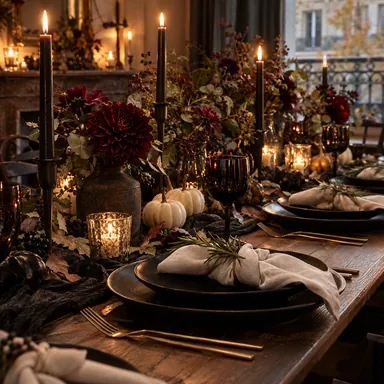



Your party. Your look.
Mix backgrounds, posters, fonts and effects. Make an invitation that feels like you.
TemplatesOne link. Everyone's invited.
Publish your invitation and share its link wherever your friends are. The details stay in one place.
Create eventGoodbye, guest-list guesswork.
See who's coming, set a guest limit and approve requests. Make room for the people who make the party.
For organizersA few things you might be wondering.
How do I get started?
Choose a design, add your date and location, then preview the invitation. You can try the editor before signing in.
When is my invitation online?
Sign in with Google or Apple to save an online draft. Publish it from your event dashboard to get a shareable link. Unsaved edits are lost when you leave.
How do guests respond?
Guests open the published link in their browser and sign in to respond. A host may require approval or restrict access. Editor previews do not collect real responses.
Ticketing
Ticket sales and payments are not available yet. You can already create invitations and manage guest responses on the web.
Get the app
The Fejola app is still in development and is not available in app stores. Create and manage invitations in your browser today.
Your next good night starts here.
Create eventLess planning. More being together.